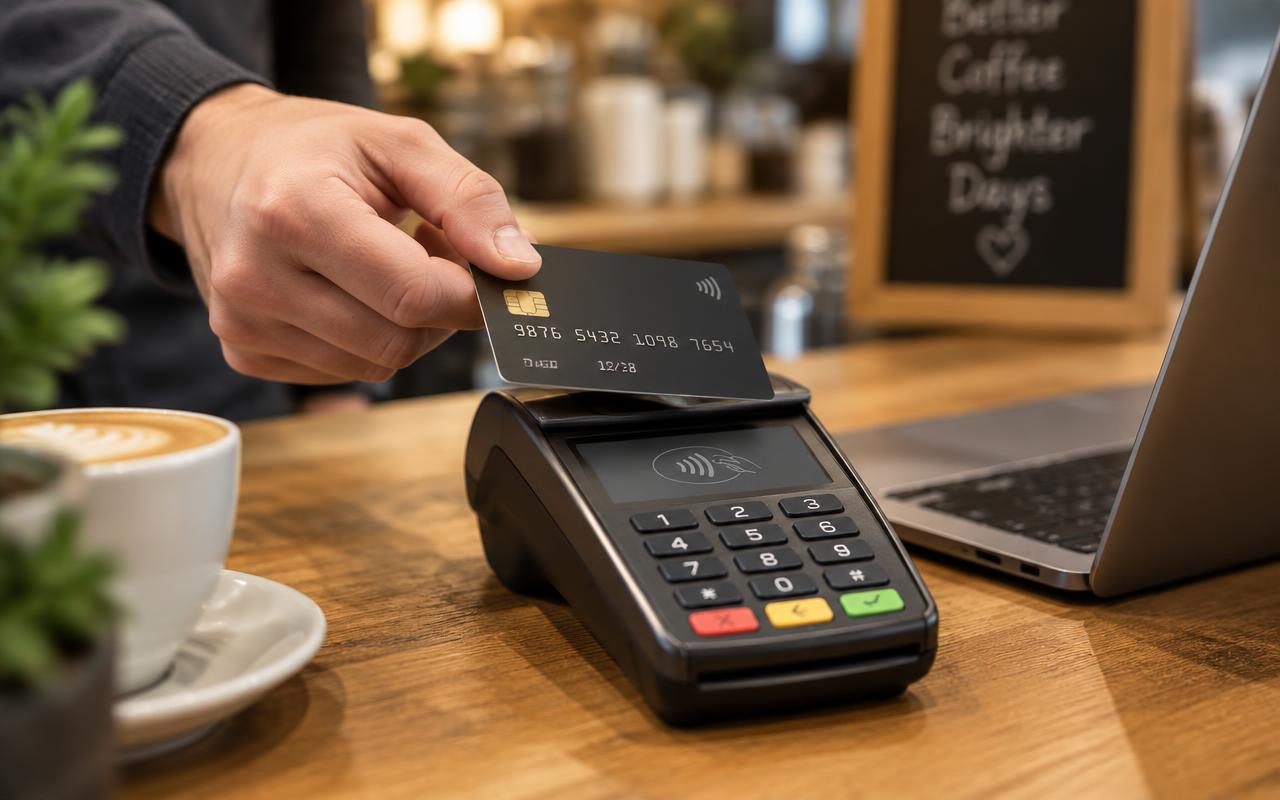
For restaurants, accepting payments is part of delivering good service. A slow checkout can leave guests waiting, tie up staff, and create a bottleneck during a busy shift. The right payment setup helps make that final step easier while giving owners a clearer view of processing costs.
Whether you run a quick-service counter, a full-service dining room, or a mix of dine-in and delivery, your payment tools should fit the way your restaurant operates.
Speed at the Table and the Counter
Pay-at-table devices, QR code payments, and handheld terminals can help keep lines moving and tables turning during your busiest shifts. Each option supports a different service flow, so the best choice depends on where guests pay and where delays tend to happen.
Pay-at-Table and Handheld Terminals
Bringing a payment device to the guest can reduce trips between the table and a fixed terminal. Guests can review their bill, leave a tip, and complete payment without waiting for a server to return with their card or receipt.
At the counter, handheld terminals may give staff more flexibility when managing queues. Before choosing a device, consider connectivity, battery life, and how easily employees can use it during a rush.
QR Code Payments
QR code payments give guests a way to access and pay their check from their own phone. For restaurants where this fits the service model, it can reduce the wait between finishing a meal and settling the bill.
Keep an alternative available for guests who prefer to pay with a staff member. A convenient payment option should add flexibility rather than create a new obstacle.
Built for How Restaurants Work
Restaurant payments involve more than accepting a card. Tips, split checks, online orders, and end-of-day reconciliation all need to work together. Evaluate these everyday workflows before committing to a solution.
Tip Management and Split Checks
Your payment tools should make it straightforward for guests to tip and divide a bill. Ask how the system handles splitting by item, dividing a check evenly, and accepting multiple payment methods.
For staff and managers, review how tips are recorded and reported. Clear records can make reconciliation easier and help you apply your restaurant’s tip policies consistently.
Integration With Your POS System
Integration with leading point-of-sale systems is an important feature to look for, but compatibility needs to be verified for your specific setup. Ask whether the payment solution supports your POS version and which functions are included.
A well-matched integration can reduce duplicate entry and make it easier to connect payments with orders. Confirm how refunds, voids, tip adjustments, and daily totals move between systems so there are fewer surprises after installation.
Online Ordering and Delivery Payment Support
If your restaurant accepts pickup or delivery orders, payment support should extend beyond the dining room. Review how customers pay online and how those transactions appear in your reporting.
Also clarify how payments from your own ordering channels differ from those handled by third-party delivery platforms. Knowing where funds, fees, and refunds are managed can help your team reconcile sales more efficiently.
Better Margins Through Smarter Processing
Restaurants operate with thin margins, making processing costs worth reviewing carefully. Transparent pricing and the right fee structure can help protect those margins without surprising guests.
Look beyond a headline rate and ask for a clear explanation of the full cost of accepting payments. Your review should include:
Processing charges: How fees vary across in-person, online, and other transaction types.
Equipment and software costs: Any device, subscription, integration, or support charges.
Contract terms: The agreement length, cancellation conditions, and equipment ownership or lease terms.
Guest-facing pricing: Whether a proposed structure changes what guests pay and how those charges must be disclosed.
If you are considering a program that changes guest-facing pricing, confirm its applicable legal and card-network requirements before implementation. Clear menus, signage, checkout information, and staff explanations help guests understand the total before they pay.
Choose a Setup That Fits Your Service
Start with the problems your team encounters most often. Are guests waiting to close their checks? Are employees manually entering online orders? Does reconciling payments take too much time?
Map your payment workflows. Include dine-in, counter service, pickup, and delivery.
List your essential features. Prioritize the tools that address real service or reporting gaps.
Request a practical demonstration. Test split checks, tips, refunds, and reporting with scenarios your staff handles regularly.
Review costs and support. Understand the full pricing structure and how to get help during operating hours.
The right restaurant payment solution balances speed, flexibility, and cost visibility. EncompassPay can help you explore payment options and processing structures suited to your restaurant’s needs, so you can make a more informed decision for your business and your guests.